 Community Magazine
This article started with a discussion about what we could do with the articles module in Joomla, that hadn’t been done yet. I suggested, “Customising it to make it do Ajax calls so it updates automatically”
1224 Hits

This article started with a discussion about what we could do with the articles module in Joomla, that hadn’t been done yet. I suggested, “Customising it to make it do Ajax calls so it updates automatically”

The CSS :has() pseudo-class is often called the long-awaited “parent selector” in CSS, enabling developers to style elements based on their children or siblings.

On my site I want to have a module listing all the blog posts sorted by date. We can do this out of the box using the new mod_articles (since Joomla 5.2) module.

Gradients are powerful for adding depth, highlights, or visual interest to backgrounds, buttons, and overlays. All with pure CSS. Head over to your user.css and spice up your Joomla website!

We’ve all been there, clicking a link full of promise, only to land face-first in the dreaded “404 Not Found.” It’s like opening a door and finding a brick wall. For your visitors, it’s a frustrating dead end. For you, the site owner, it’s an opportunity.
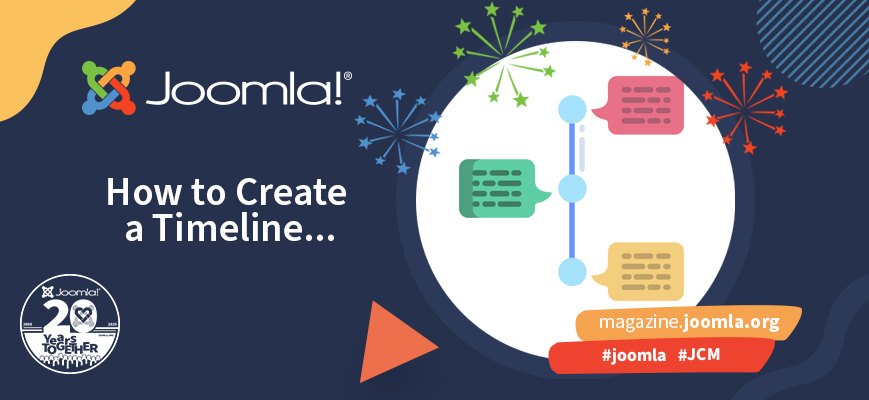
Is it possible to create a timeline using only Joomla core? You probably already know the answer: yes, with a little override and a few lines of CSS ;-). This article explains how to do it using the Articles Module in Joomla. See it in action here: Joomla Milestones 2005-2025.

If your website (or your client’s website) features blogs or articles by multiple authors, you may want to have author pages showing their bio and links to the articles they’ve written. Here’s how to do that with Joomla’s core contact component.

You probably already know Joomla has built-in search functionality, which meets modern requirements - the smart search component. But what if your users need a little more? What if you want third party extensions to be searchable as well? In this series of articles, we will look at how to create a smart search plugin for a third-party Joomla component
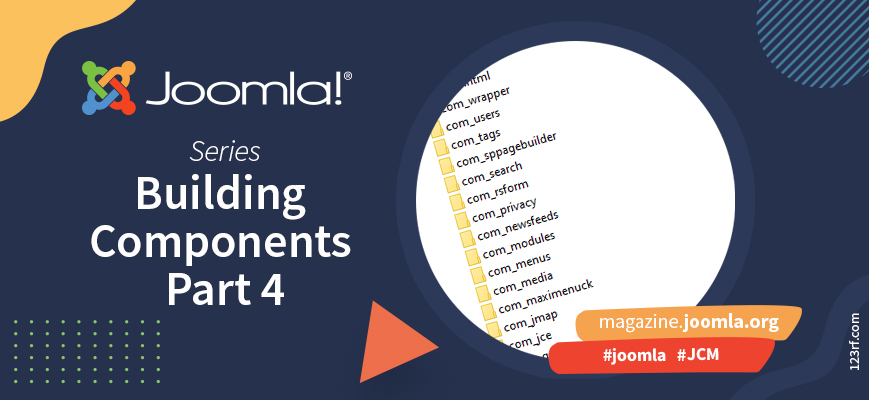
In this episode we will expand our example component, mainly by using features that are built-in into Joomla. And we show some tools that can help us setting up a custom component.
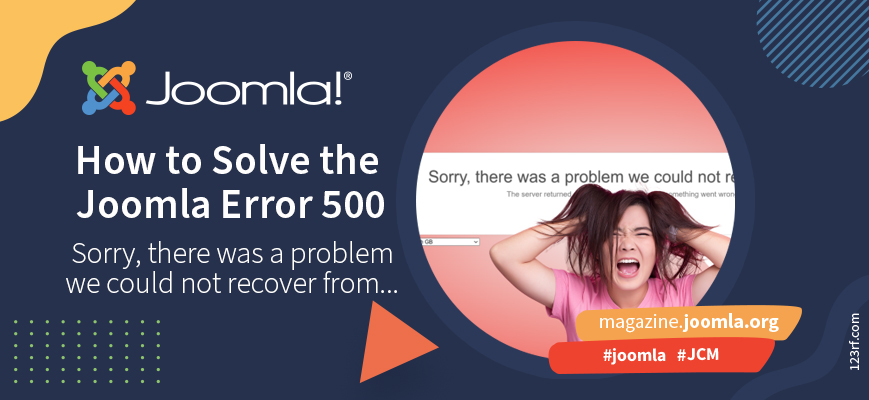
Sorry, there was a problem we could not recover from.
The server returned a "500 - Whoops, looks like something went wrong."
Gee, thanks, Joomla. I can see that. My site isn't working. Want to give me any further information so I can fix the darned thing?
It's all just dreadfully unhelpful. Not only that, but it's a big ugly red screen. It's not even styled like my site any more. What have I done? Have I lost everything? Is all my work gone? Have I been hacked? Perhaps I shouldn't have pressed that button?
And I haven't got a clue how to solve it or what is wrong.
By accepting you will be accessing a service provided by a third-party external to https://magazine.joomla.org/