 Community Magazine
In Joomla 6.1, custom fields just got significantly more flexible. Until now, the Media custom field type only let you select images but thanks to a core enhancement in Joomla 6.1, you now have dedicated field types for audio, video, and documents in addition to images. (github)
This tutorial walks you through what these fields are, how to use them, and how they work on both the back-end and front-end of your site.
What’s New in Joomla 6.1 Custom Fields
With Joomla 6.1, the core Media custom field plugin has been extended to support multiple file types:
- Audio
- Video
- Documents
- Images (continued support)
These are exposed as four field types in the Custom Fields interface:
| Field Type | Field Name | Output |
|---|---|---|
| Image | media | Renders an <img> tag |
| Audio | media_audio | Renders an HTML5 <audio> player |
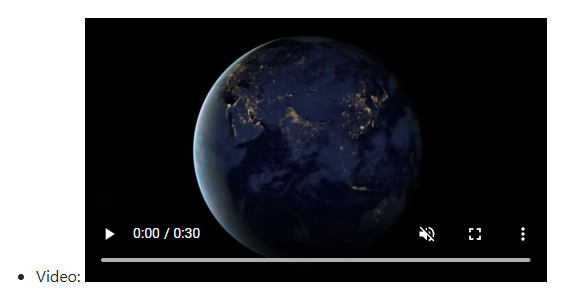
| Video | media_video | Renders an HTML5 <video> player |
| Document | media_document | Renders a download link |
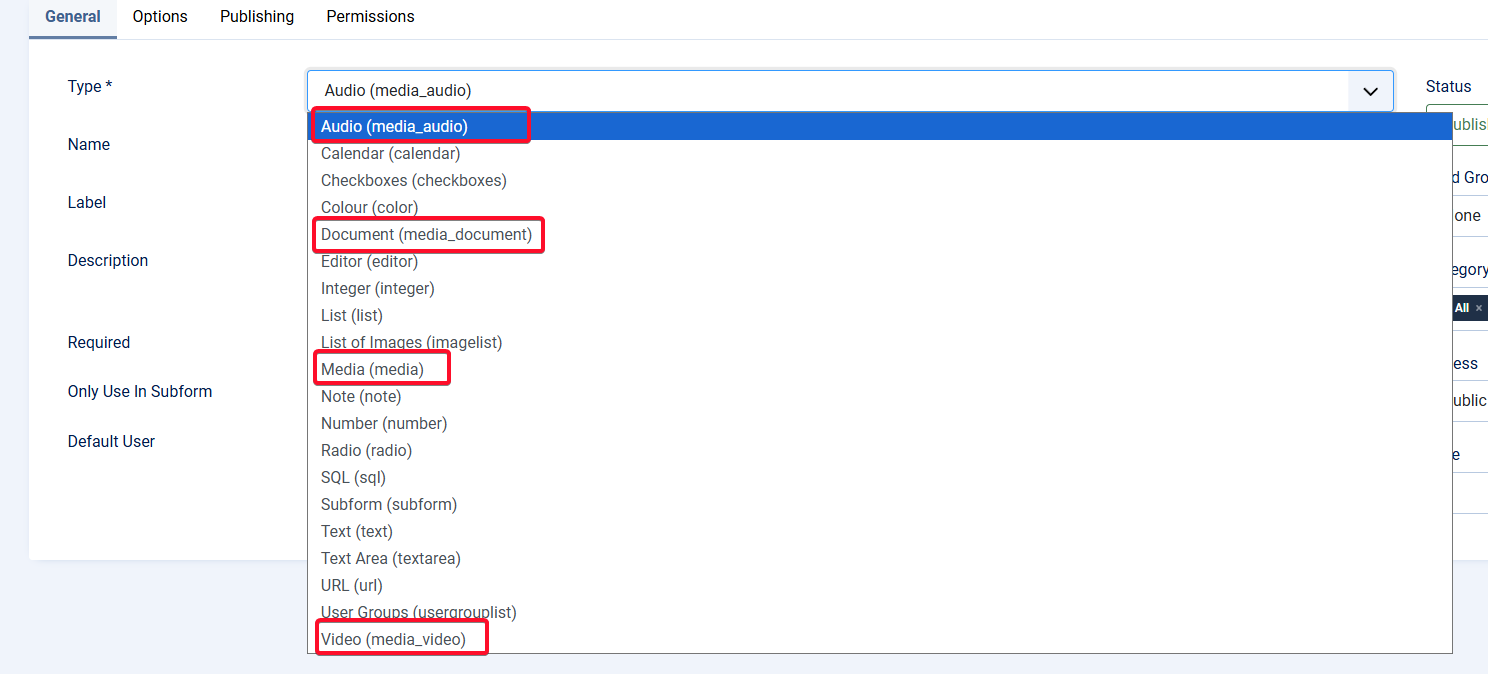
Creating the New Media Fields
- Go to Custom Fields: Navigate to Content → Fields (or Contacts → Fields).
- Add a New Field: Click New to create a custom field.
- Select Your Field Type: Choose one of the new media field types:
- Audio (media_audio)
- Video (media_video)
- Document (media_document)
- Image (media)
- Configure the Field: Set a label, name, default value, description, and assign it to the appropriate location.
- Audio Field Additional Options
Additional options are available for Show Controls, Autoplay, Loop and Preload
- Documents Field Options
No additional options - Video Field Options
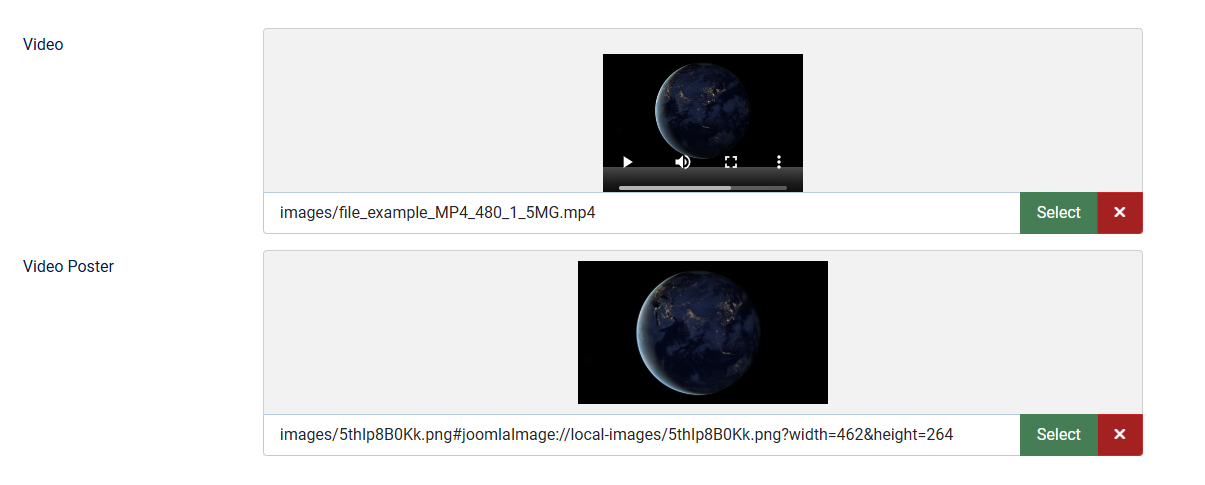
Additional options are available to add a Poster Image, Show Controls, Autoplay, Loop, Play Inline and Preload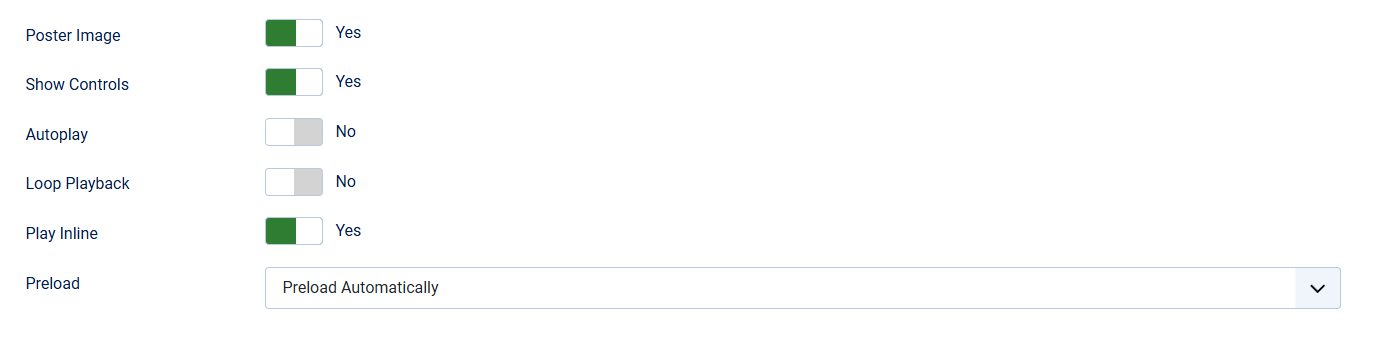
- Audio Field Additional Options
- Save & Assign to Layouts: Optionally assign the field to specific layouts or forms.
Back-End Experience
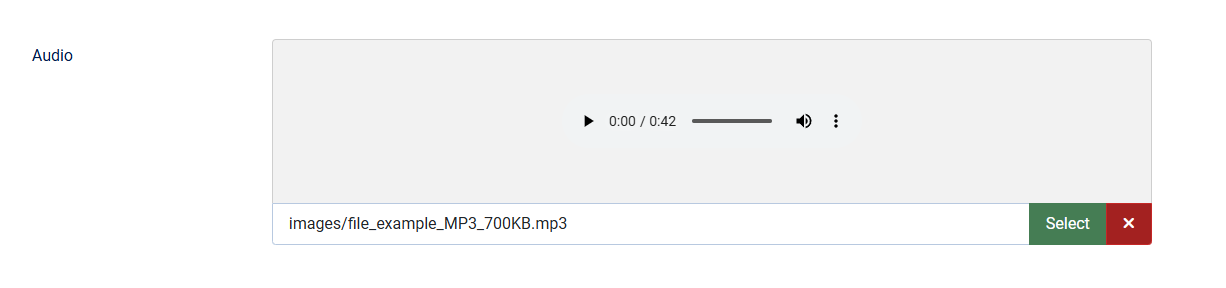
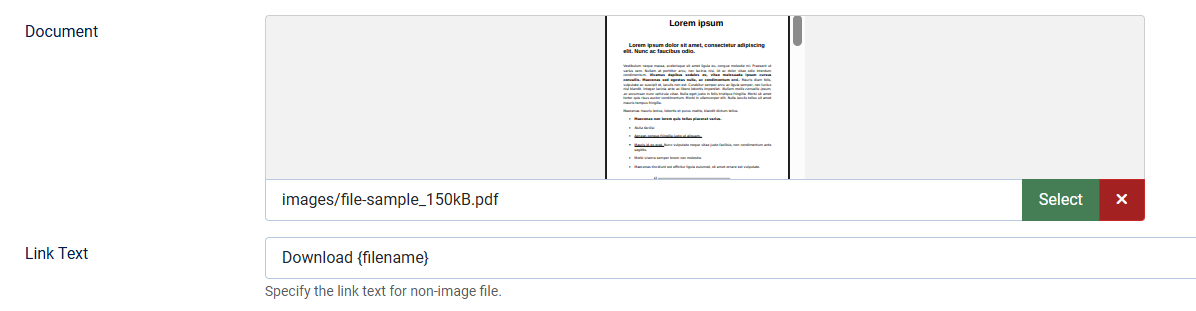
When editing an article (or other item with custom fields), the field now opens a file selector modal filtered to the chosen type:
- Audio → shows audio files only
- Video → shows video files only and option to add a poster image
- Document → shows documents like PDFs or Word files and customise the link to be displayed
- Image → behaves as before
Front-End Output
These new fields can be displayed in exactly the same way as all other Joomla custom fields. They are either displayed in a specified location in your article for all custom fields or they can be included directly into your content
 will display the field with the ID 1
 will display the selected field using the alternative layout 'foo'.
 will display all fields within the fieldgroup with the ID 2.
Audio Fields
Rendered as an HTML5 audio player: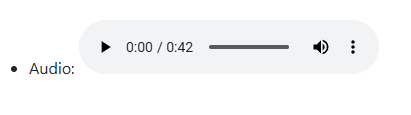
Video Fields
Rendered as an HTML5 video player:
Document Fields
Rendered as a simple download link:

Developer Section: Multiple Fields in One Plugin
Technically, all four media types are handled by one field plugin, plg_fields_media. This is significant for developers because:
- It demonstrates how to implement multiple related field types in a single plugin.
- Each type has its own identifier (
media_audio,media_video,media_document,media) but reuses the same plugin logic. - It serves as a template/example for creating your own multi-type field plugins, reducing duplication and simplifying maintenance.
Wrap-Up
Joomla 6.1’s expanded support for media in custom fields is a big win for content flexibility. Whether building a podcast archive, video gallery, or downloadable resources, these new field types make it easy and intuitive to manage rich media.
Developers now have a real-world example of a single field plugin supporting multiple types, opening opportunities to build sophisticated, maintainable field plugins.
Italian translation: https://www.joomlaitalia.it/guide-e-tutorial/traduzioni-joomla-magazine/introduzione-dei-campi-personalizzati-per-audio-video-e-documenti-in-joomla-6-1

Comments