 Community Magazine

Accessibility testing is a never ending story – this is not the first article in our magazine and will not be the last one.
Joomla core and its default templates Atum and Cassiopeia provide a good foundation for building accessible websites — the core output is designed with accessibility in mind, helping site owners meet the recommendations of WCAG 2.2. However, template designers, extension developers and content editors can break the rules and damage usability for people with disabilities.
With the growing importance of accessibility, automatic testing tools are attracting increasing interest.
Tools like WAVE, AXE , Lighthouse can help catch common issues. They find missing alt text, identify colour contrast errors, improper heading structures and much, much more.
Some of them are well-known and most web developers are using them already. But here’s the catch: These tools do not understand context, they see the DOM after page load and the CSS. But they cannot know how people are tabbing through a site or how template designers can trick out the colour contrast rules.
That’s why your expertise is needed, no matter what checkers tell you about the accessibility of your site. A few examples show where Tools have blind spots inchecking colour contrast. The test has been performed on Win 11 with different Browsers, other tools in other environments might give different results.
Which Tools?
WAVE, Lighthouse, AXE Checker
They are described here.
IBM Equal Access Accessibility Checker
An outstanding tool is the IMB Equal Access Accessibility Checker, it gives a detailed summary of errors, warnings and recommendations, on a level which is better for developers, not for users. You can find the Tool in the web developer area (F12 or inspector). It can scan one page or a whole site. You can adapt the settings, it is self-explaining.
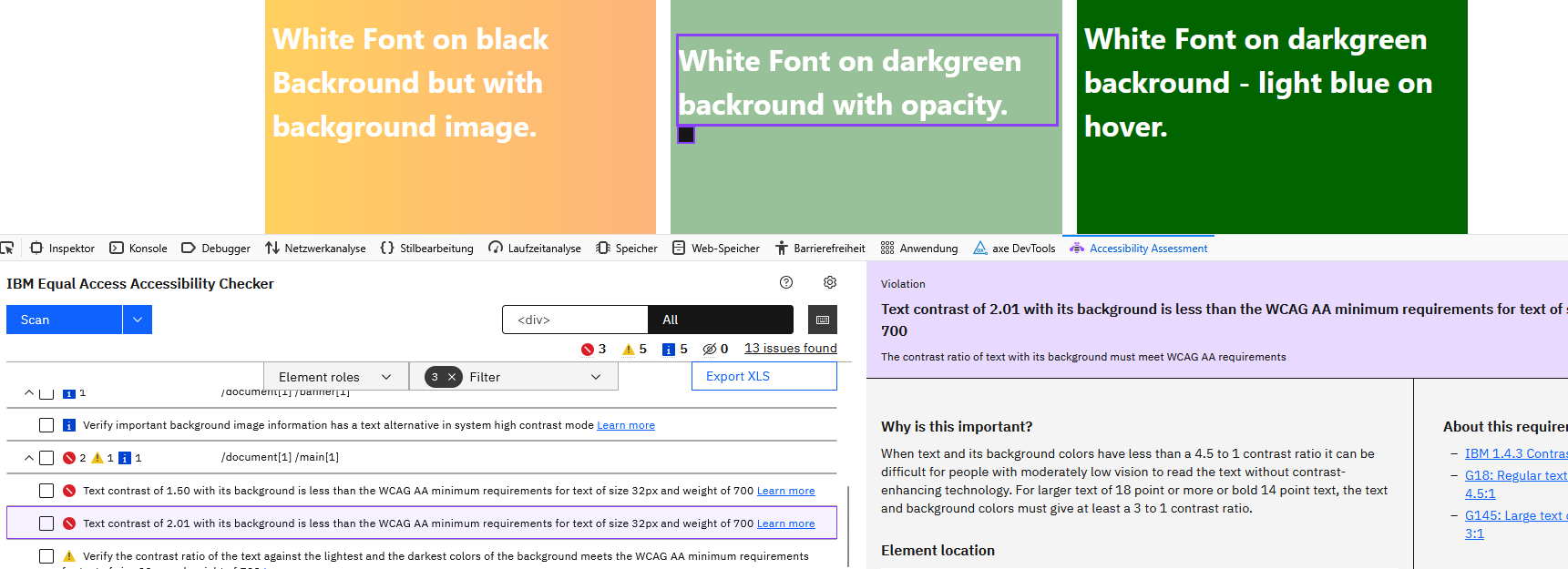
The scan gives very detailed information about issues, it shows warnings and gives good recomendations.
On sites which are still in development you also can activate Jooa11y for frontend, the Joomla accessibilitiy checker plugin.
More tools to select
There are many other tools which you might use, see for example here: https://www.w3.org/WAI/test-evaluate/tools/list/. Many of them are commercial, but also offer free tests.
In the coming issues of our magazine I want to shed light on hidden pitfalls that can make a website inaccessible for disabled users, even when automated testing tools say that everything is perfect.
Let’s start with still the most frequently identified accessibility issue, the colour contrast.
Colour Contrast Check Results
Checking colour contrast seems to be so easy – calculate the contrast ratio between backend colour and font colour. Contrast Ratio must be >= 4.5, That’s all.
But is it so simple? Can you be sure that these tools find all issues? No. Tools cannot not find issues which occur after the DOM is loaded.

Here is an example of a site. With accessibility in mind your first thought will be: Poor colour contrast in the whole main area. We see it at first glance but - surprise! The tools do NOT see all violations of the rule.
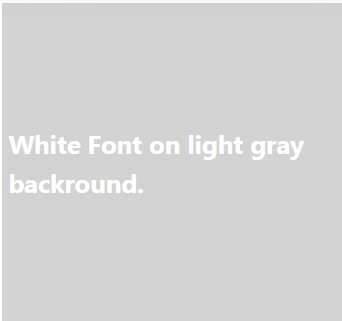
{color: white; background-color: lightgray; }
Every tool found this issue, as expected.

Tools cannot see images. It is completely in our responsibility to decide if there is an image with text , if this text is an information and if it has sufficient contrast against the background.

{color: white; background-color: darkblue; }
Every tool accepts white on dark blue, as expected.
No tool can see that the Button changes background-color to white which results on white font on white background.
Tools don’t see if and how colour contrast can change in actions. Testers must check that manually.
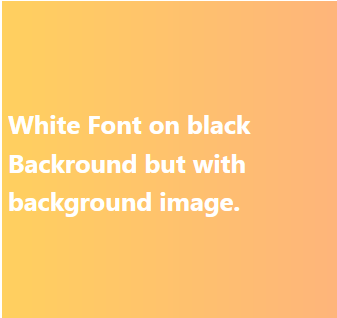
{
color: white;
background-color black;
background-image: linear-gradient(….)}
ut a background-image covers the black background and makes the contrast low.
WAVE, Lighthouse, AXE find no issue.
IBM checker and Jooa11y give a warning, that there could be an issue.
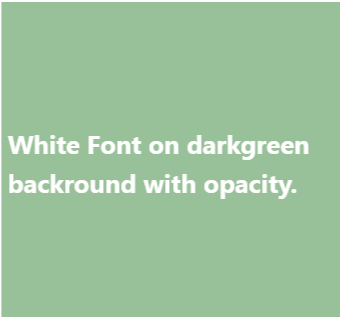
{
background-color: darkgreen;
opacity: 0.4;
color: white;
}
background colour is manipulated with opacity
WAVE, Jooa11y are ok with it.
AXE, IBM checker, Lighthouse see the issue.

{
background-color: darkgreen;
color: white;
}
background color changes on hover
:hover {
background-color: lightblue;
}
No Tool sees this error. When checking a site, the tester must hover all elements
Conclusion:
Automatic testing tools are not sufficient for evaluating the colour contrast on a modern website with dynamically changing colours.
As Carlos Cámara said in this article
In any case, please always take into account that these tools are of great help when they show you the issues, but do not blindly trust them for accessibility. In the end it’s humans who read your website and your users are the ones that need to be able to fully understand your content and use your website.
Leggi questo in italiano: https://www.joomlaitalia.it/guide-e-tutorial/traduzioni-joomla-magazine/punti-deboli-degli-strumenti-di-test-dellaccessibilita-contrasto-cromatico

Comments