 Community Magazine
Can I do that with Joomla?

This article is about how I (re)discovered a Joomla function, because I was inspired by a website I came across.
Lately I came across a nice website about career chances after school (I was doing some research for my kids). One section was displaying several teaser articles (like cards) with an icon, a title, an introtext and - what I found very cool - a button each with an individual text, not a boring “read more”. Immediately my brain went “how can I do that on a Joomla website?”.
Option 1: Develop an own module?
Doable but arduous
Option 2: Custom modules each with a link to an article?
Doable but needlessly complicated
Option 3: Articles module with boring “read more” button… Wait, there is a “hidden” option in articles we can use here to make our teasers more appealing! It's not exactly hidden, and it's been there for years, but I don't recall ever using this function. This is exactly what we need. Let's break this into small steps.
That is what we want to create:
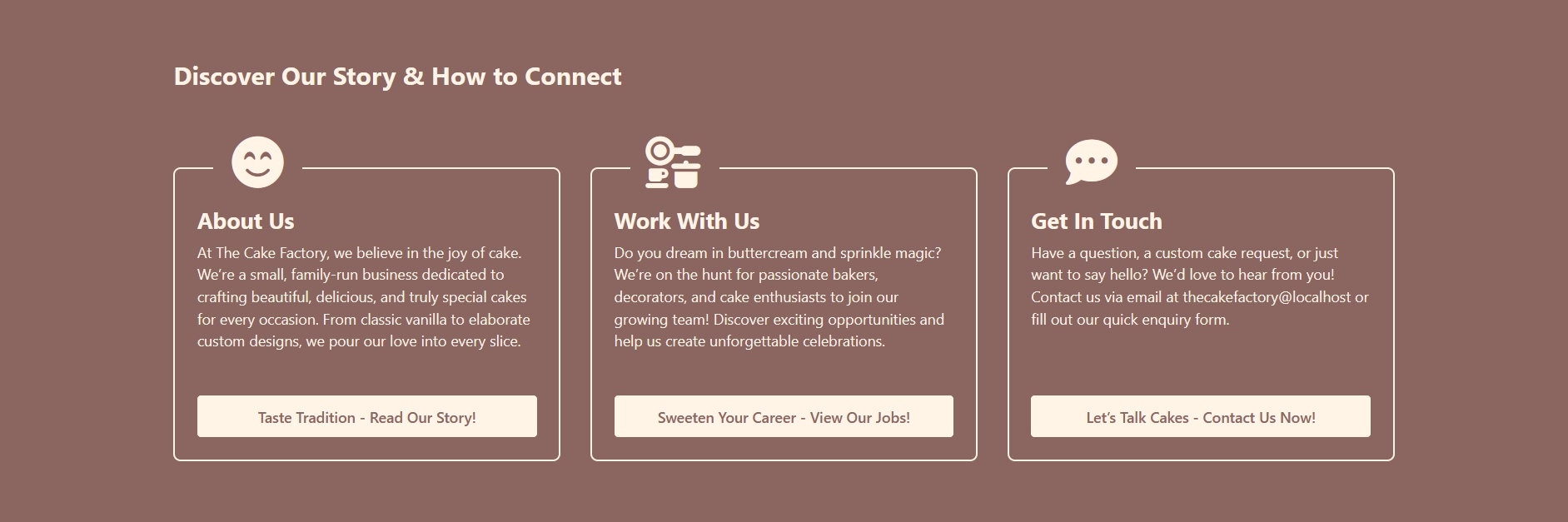
Do you remember the demo website from my last article? “The Cake Factory” is getting a new section with information about the people, jobs and how to contact them.
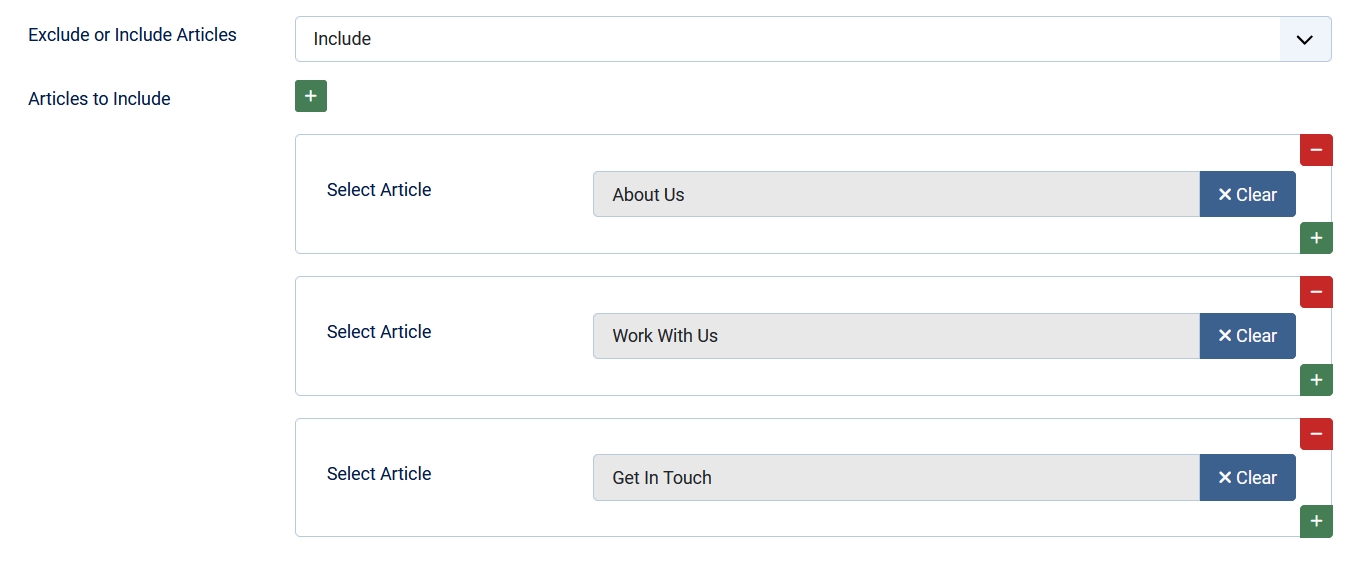
I have created three articles and an Article Module to display them on the bottom of the page. You can have all three articles in a category or select them individually in the module:
A little bit of CSS and ta-da!
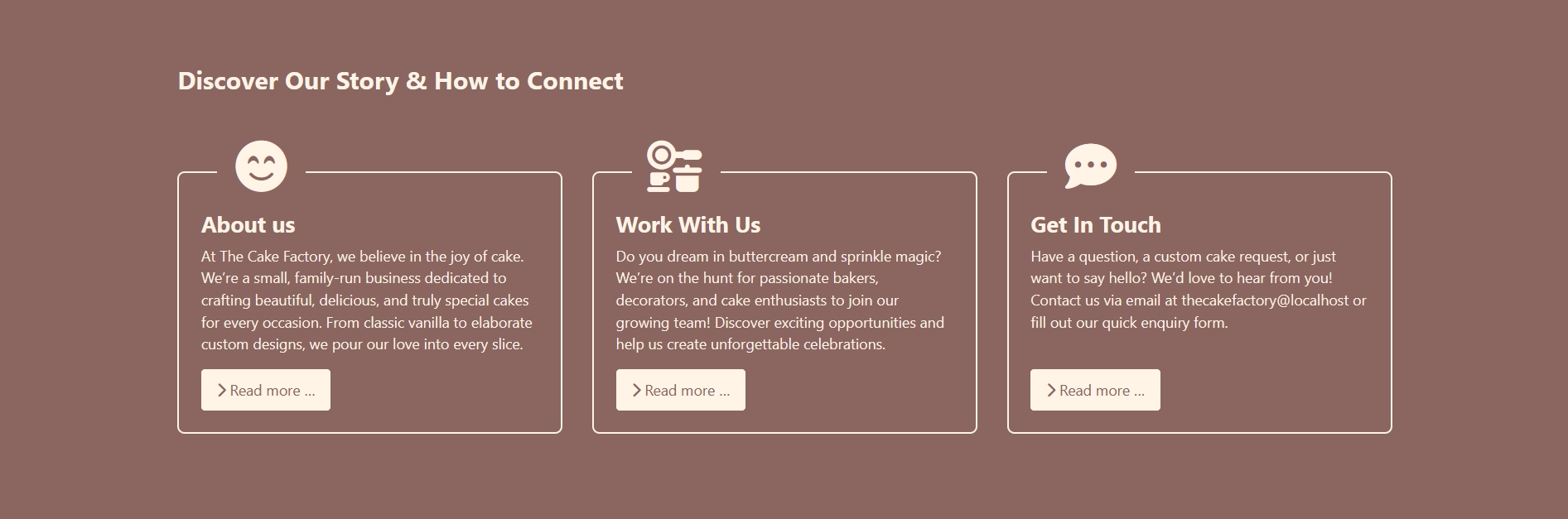
Boring “read more” buttons…
Now we go back to the article, in the tab “Options”:
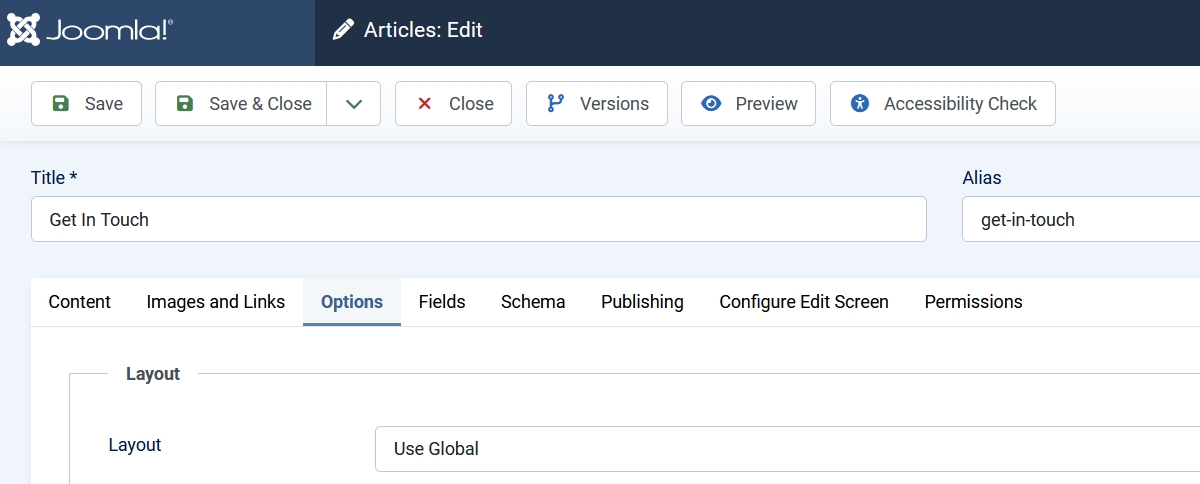
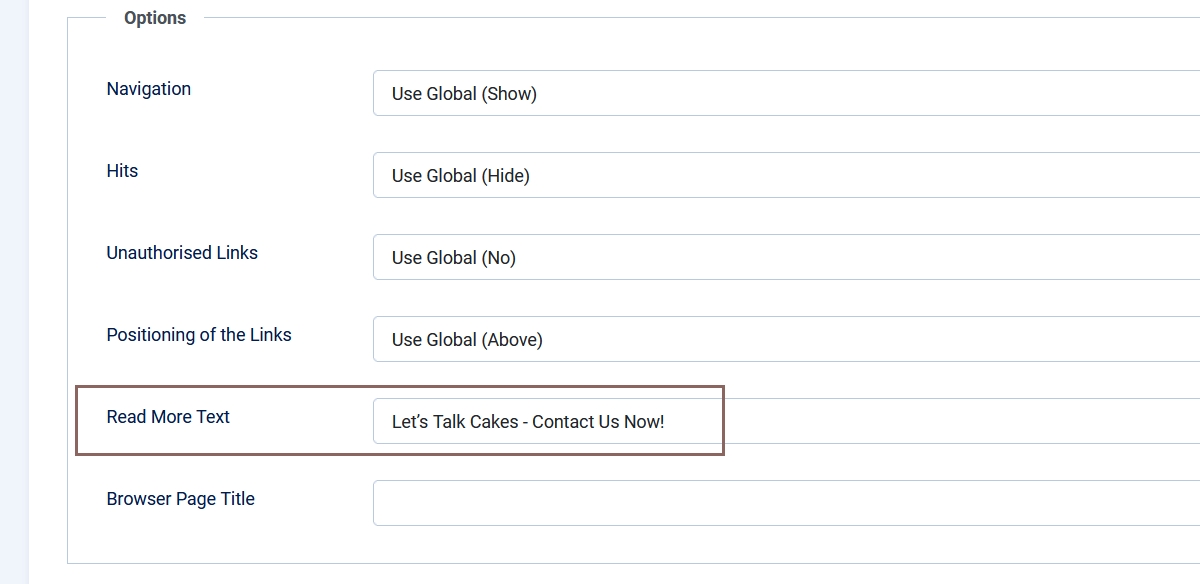
and there is our parameter: “Read More Text”. You can insert an individual read more text for each article!
Now our teaser section is perfect!
The CSS I used (the module has the class “teaser” and I’m using Cassiopeia Extended as template):
/* Teaser section */
.container-bottom-a:has(.teaser) {
  grid-column: full-start/full-end;
  padding: 4rem 1em;
  background-color: #8b6560;
  color: var(--body-bg);
  margin-block-start: 3rem;
  & .bottom-a {
    max-width: 1320px;
    margin-inline: auto;
  }
}
/* Articles Module */
.teaser {
  h2 {
    color: currentColor;
    margin-block-end: 5rem;
  }
  .mod-articles-item {
    height: 100%;
  }
  .mod-articles-item-content {
    color: currentColor;
    padding: 2.5rem 1.5rem 1.5rem;
    border: .125rem solid var(--body-bg);
    border-radius: .5rem;
    display: flex;
    flex-direction: column;
    position: relative;
    height: 100%;
    &::before {
      font-family: 'Font Awesome 6 Free';
      font-weight: 900;
      font-size: 3.5rem;
      color: currentColor;
      background-color: #8b6560;
      display: flex;
      justify-content: center;
      align-items: center;
      width: 6rem;
      aspect-ratio: 1/1;
      position: absolute;
      top: -3.5rem;
      left: 10%;
      z-index: 2;
    }
    .readmore {
      margin-block-start: auto;
      margin-block-end: 0;
      a {
        display: block;
        text-align: center;
        font-weight: 600;
        margin-block-start: 2rem;
      }
      span {
        display: none;
      }
    }
    .btn-secondary {
      --btn-color: #8b6560;
      --btn-bg: var(--body-bg);
      --btn-border-color: var(--btn-bg);
      background-color: var(--btn-bg);
      &:hover {
        --btn-hover-color: #fff8f0;
        --btn-bg: var(--headerbg);
        --btn-hover-border-color: var(--btn-bg);
      }
    }
  }
  .mod-articles-items {
    li:nth-child(1) .mod-articles-item-content::before {
      content: "\f5b8";
    }
    li:nth-child(2) .mod-articles-item-content::before {
      content: "\e51a";
    }
    li:nth-child(3) .mod-articles-item-content::before {
      content: "\f4ad";
    }
  }
}
On a real project I would probably use the image field of the article to put the icon in. Or a custom field and an override. Or another fancy combination. But for the purpose of this demo (and because there are only three teasers) I decided to use CSS only. And it works very well ;-)
Do you get inspired by other websites and ask yourself if it is possible to do the same with Joomla? You should try.
Some articles published on the Joomla Community Magazine represent the personal opinion or experience of the Author on the specific topic and might not be aligned to the official position of the Joomla Project
About the author

By accepting you will be accessing a service provided by a third-party external to https://magazine.joomla.org/
Comments