 Community Magazine
Level Up Your Joomla! Extensions with the AI Framework

Adding AI to your Joomla! extensions no longer need to be complicated or tied to one provider. With the new Joomla! AI Framework, you can write your code once and let your users choose between OpenAI, Anthropic, or even local models with Ollama — all through the same interface. In this article, I’ll show you what the framework does, why it matters, and how you can start using it today.
The Problem: Too Many Languages
Picture this: you’re building a Joomla! extension that generates content. Your first choice is OpenAI’s GPT models. You wire everything up and it works. But then a client asks: “Can you also support Anthropic’s Claude?” Or maybe they prefer a privacy-friendly setup and ask you to run a local model with Ollama. Suddenly your simple extension has turned into a mess of provider-specific code, authentication schemes, and response formats.
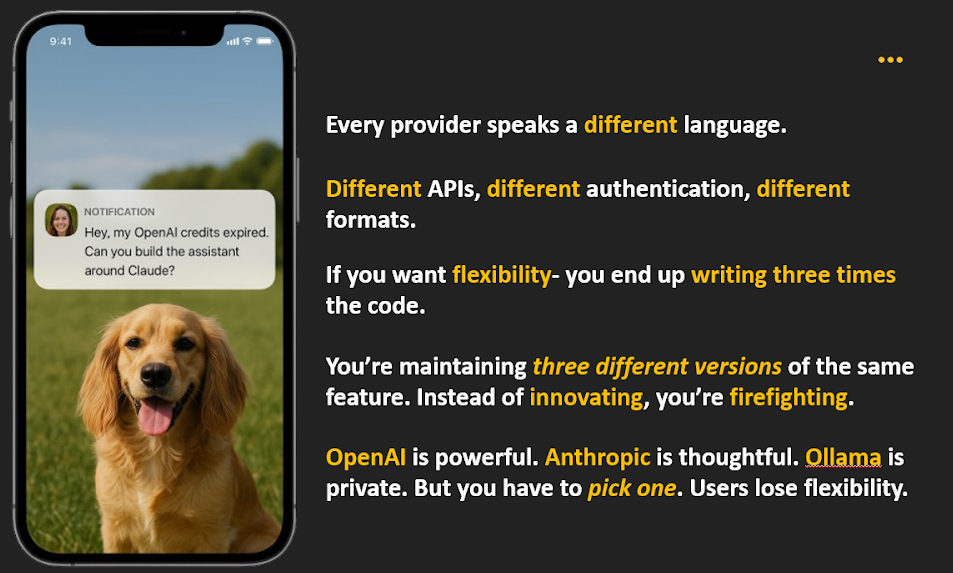
AI is quickly becoming part of how people create, translate, and manage content. But if you’ve ever tried adding AI to your own project, you’ll know it isn’t simple. Every provider has its own rules. Supporting more than one means rewriting the same logic again and again. This is where the Joomla AI Framework comes in. The Joomla AI Framework provides a provider-agnostic layer so developers write their extension code once, and end users choose whichever provider they like. No rewrites. No duplicate code. Just configuration.
Getting Started
Installation via Composer
Add the following to the require block of your composer.json file:
Then run:
Alternatively, you can run this command directly from the command line:
Note: You should not hardcode your API keys into your program code. Make them configurable via for example a registry object or by storing them in environment variables. In Joomla extensions, the commonly used approach is to expose API keys as plugin parameters in the manifest so end users can paste them into the plugin settings. Your plugin can then pass these values to the AI Framework (directly or via `putenv()`).
For local models, make sure Ollama is running:
ollama run llama3 A Practical Example – Building a Content Assistant
To see how this works in practice, let’s build a simple Joomla plugin that generates article introductions. With the AI Framework, the code is short and easy to follow.
Start with OpenAI:
This returns a normalized response object containing the generated text, ready to drop into the Joomla editor.
Now suppose a user prefers Anthropic’s Claude. Nothing in your plugin logic changes. You simply change the provider name:
And if a blogger is running Ollama locally:
In all three cases, the plugin logic stays identical — only the provider configuration changes. To make things concrete, here are four simple features that can be built:
- Introduction Generator → can be built using the chat interface with an instruction prompt.
- Meta Description Generator → can be built by leveraging chat() with shorter SEO-style instructions.
- Image Generator → can be built by calling generateImage().
- Alt Text Generator → can be built using vision() to analyze uploaded images.
In practice, this would look like:
Behind the scenes, all of these are just different interface methods. Each provider implements the capabilities it supports. This demonstrates how the framework enables multiple use cases with minimal code. That is the essence of the framework: multiple AI providers, full flexibility for users, and no extra burden on developers.
What This Enables
This framework opens up a huge range of possibilities for Joomla extensions:
- Content assistants for bloggers and site admins
- Image generation and editing tools for creatives
- Voice-to-text or translation services for multilingual sites
- Content moderation features for community platforms
- SEO helpers for generating meta descriptions and alt text
And since developers don’t need to worry about provider-specific details, they can focus entirely on building features that matter.
Looking Ahead
So far, we’ve implemented OpenAI, Anthropic, and Ollama support, each teaching us how to make the framework more robust. The foundation is now in place, and future providers can be added by extending the same interfaces. There’s also a clear path for future work: better tooling for Joomla extension developers, deeper integrations with CMS features, and eventually alignment with standards like the Model Context Protocol (MCP). The Joomla AI Framework is more than just code; it’s a step towards making Joomla extensions smarter, more flexible, and more future-ready. The code is available now on GitHub at: https://github.com/joomla-projects/gsoc25_ai_framewor
Some articles published on the Joomla Community Magazine represent the personal opinion or experience of the Author on the specific topic and might not be aligned to the official position of the Joomla Project
About the author

By accepting you will be accessing a service provided by a third-party external to https://magazine.joomla.org/
Comments