 Community Magazine
Joomla Community Magazine Authors
Dan Atrill

Dan has been building websites since 1995 and started developing websites with Joomla in 2009 after dabbling with Mambo. A sometimes attendee of JUGL and other networking groups, he runs a web development business (DJA Online Services), collaborating with developers and designers around London and the South of England. In his spare time Dan is a baker and musician, and runs a gig listing website called Music On My Doorstep.
Visit websiteArticles

Using Grafida To Edit My Website Content On The Desktop
Grafida is a cross-platform desktop application that enables a user to create and edit content without having to login to their Joomla website.
Read more …
Does AI Make It Easier For Websites To Be Hacked?
Everyone’s talking about AI and how it can do everything for you. But that can mean bad things as well.
Read more …
Setting up Single Signon: Part Two
In part one I covered reasons why we might want to use Single Signon and how we could set this up in Joomla. This time I’m detailing how I set things up and got myself signed into several websites using the same credentials authenticated by one site.
Read more …
Joomla for clients - all the out of the box features other CMS don't offer
Having just installed the latest version of Joomla for a new website, it seems like the perfect time to look at the features that come installed by default.
Read more …
Get Your Clients To Love Joomla
Having a good relationship with your clients is essential. When they are happy, enthusiastic and confident in your work they are keen to stay with you. Getting to that stage can take some effort though.
Read more …
Setting up Single Sign-On (Part One)
Having one user account that works across a number of websites can save a lot of bother with joining new services.
Read more …
Using Joomla To Manage React Native Content
3 years ago I built a website which would be constantly updated with new content. More recently I built a mobile phone app that would need to display the same data. This is how I updated everything from one place.
Read more …
Building a Joomla news feed that updates with Ajax
This article started with a discussion about what we could do with the articles module in Joomla, that hadn’t been done yet. I suggested, “Customising it to make it do Ajax calls so it updates automatically”
Read more …
Last night some SQL saved my (Joomla) site
There are a number of ways to perform admin tasks on a Joomla website. Sometimes it’s not possible to do it via the dashboard, which is when I might fall back on SQL and the database for some help.
Read more …
Your Command is My Wish - using the command line in Joomla
Joomla comes with a handy collection of commands that can be run from a terminal window which can possibly save time for busy site admins.
Read more …
Building color palettes with: CSS color-mix()
As elements are added to a stylesheet, keeping colours consistent throughout a project can be tricky. CSS functions are available to speed creation of colour variations and quickly implement changes when needed.
Read more …
What are the benefits of having a website maintenance contract?
Some website developers don't include a maintenance agreement as part of their projects, and as a result, once a site is completed, it may accumulate important updates that are never made.
Read more …
Animate Your Page Transitions With CSS
Animations can make a website more engaging and where it’s related to a brand or product it can make the visit more memorable.
Read more …
Utility classes in CSS ie from UIKIT or Bootstrap
Not all templates use the same framework or provide for the same level of customisation, and while I like to use a certain template / pagebuilder to do the job of styling and shaping websites I create, not all developers go down the same route.
Read more …
Code snippet(s): keeping it short for a cleaner layout
I was given code snippets in css, html and php with the aim of achieving the same output. How we go about this depends on the execution and who the functionality is aimed at. My own implementations tend to be less geared towards customer-friendly code if I’m using it on my own website but I wanted to consider which could be used by customers who update their own sites.
Read more …
Do we still need jQuery or should we stick to the script?
When jQuery emerged in 2006 it was one of only a few frameworks that enabled developers to write Javascript faster using shorthand for functions and enabling daisychaining to reduce repetition.
Read more …
How to contribute to Joomla
I first came across the term “open source” about 20 years ago and through various projects I found communities that supported and contributed to software that was freely available under various licences. Joomla is licenced as open source and it in turn sits on open source software including PHP, MySQL / MariaDB, the webserver software whether it’s Apache, NGINX and the server itself on a version of Linux (or Windows, which is not open source) All of this relies on contributors to add functionality, test changes, provide support through forums, repositories and documentation.
Read more …
The Carbon Footprint Of Websites or How Green Is My Homepage?
You probably know people leave a carbon footprint. But did you know websites do this as well? And what is the footprint of your website?
Read more …
I Finally Fixed My Most Annoying Website Management Issues
How many times do you do something when managing a website that you know shouldn’t happen but it’s easier to do the workaround than actually fix the problem? And once you know it’s a problem, how long does it take to actually fix it?
I’ve got a few examples. You may recognise some.
Read more …
19 reasons to choose Joomla 5 for your next project
If you’ve been building websites for some time you may just reach for your favourite CMS without thinking much about why you use it. However you might need to give some justification to a client, especially one with some knowledge of website building tools, as to why Joomla 5 is the best CMS for their new site.
Read more …
Making Joomla Backend Bespoke For Clients
I’ve been unconsciously making customisations for clients in the backend of Joomla for a while. Some of the changes have been subtle. I’ll start with those, using the Atum Administrator Template in Joomla 5.
United Colours
First off I like to make a change of colour scheme for my admin area. This is a nice-to-have and doesn’t affect functionality, however, in some cases a client has a development / staging version of their website and it would be great to make sure they’re logged into the right version wouldn’t it?
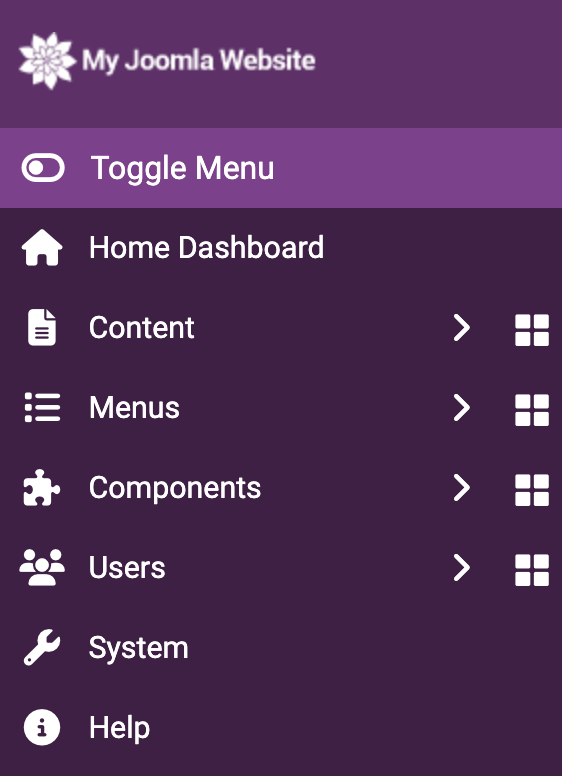
Besides colour scheme changes, Atum allows us to add an image on the login screen. All of this can be done using System > Administrator Template Styles. We have Colour Settings and Images Settings. The main template colour is changed using the “hue” setting and the light background colour is a lighter version of the navigation bar colour, in case you wanted to change that separately.
Having this colour as something quite different to the live site helps when answering support questions about why a change to an article hasn’t appeared on the site. “Are you on the green development area or the live red area?” This can also be solved by changing the live and development site usernames, sometimes I just append “_dev” to a username for that very purpose.
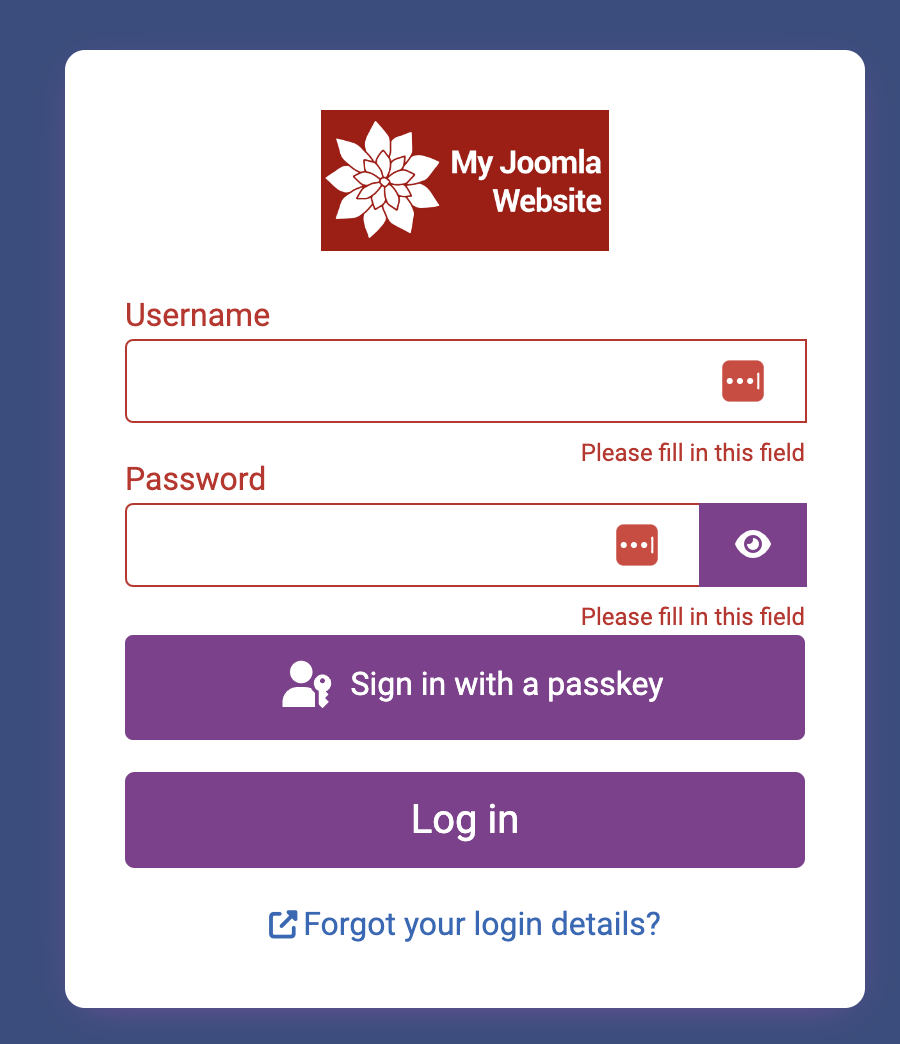
The image settings are useful for setting a client logo in place of the Joomla one. It’s not really “white labelling” but it does provide some personalisation for users. Another image change can be the login window which could also feature the client logo. Here’s my own rustic attempt, your client’s logo will obviously look much nicer.
Admin Users, Nearly Super Users
I always thought it was odd that the only user that could access the backend was a Super Admin, and so by default, it’s a user that can change everything about a site. In other CMS’s a user logs in and is then given options for what they can do based on their user level or permissions. Beyond content making changes, there are times when users accessing the backend shouldn’t have access to all the functionality.
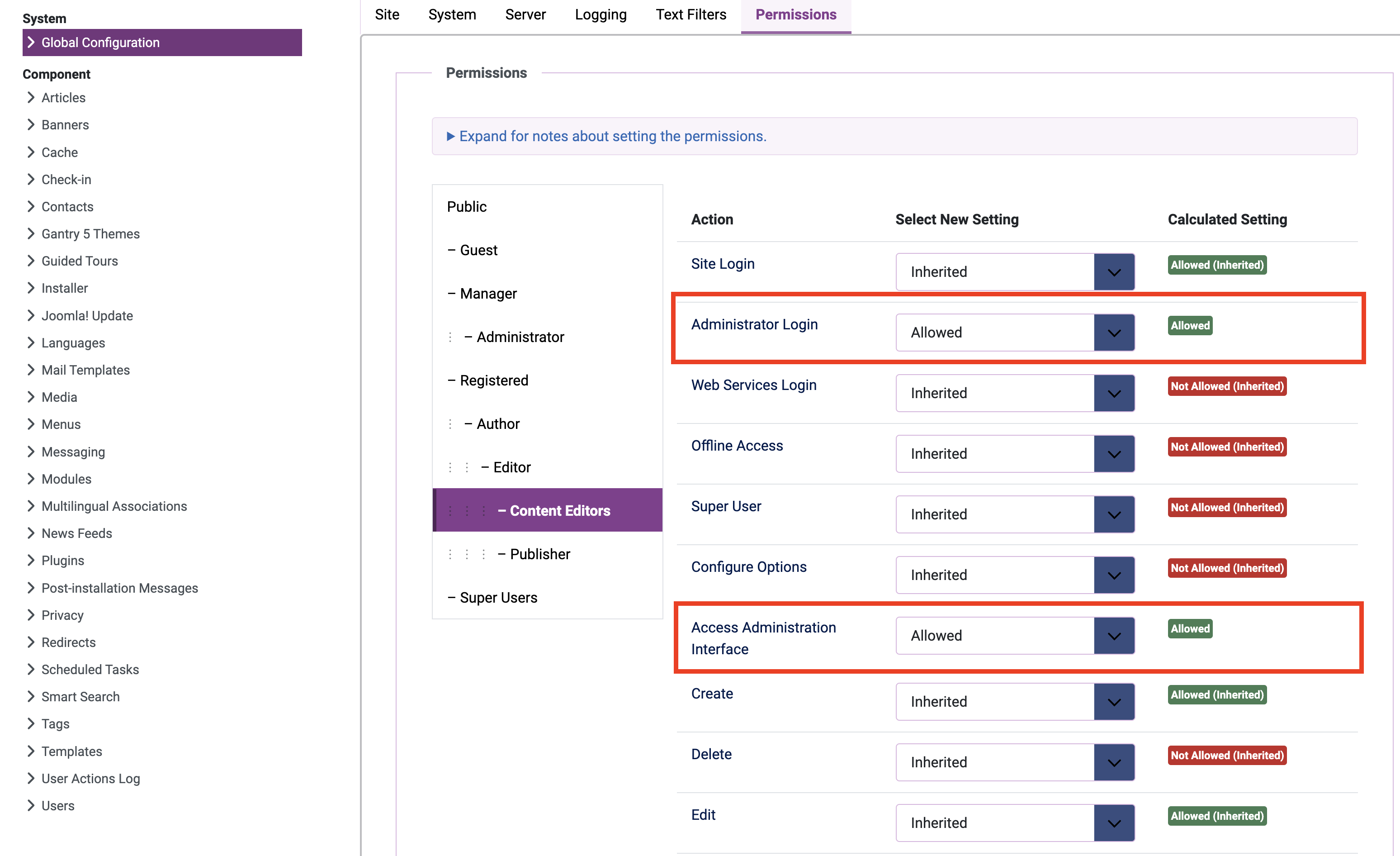
To allow this, we can make changes in user permissions: System > User Permissions Settings
The user permission for Access Administration Interface & Administrator Login need to be changed to Allowed. It’s always best to create a new group to add a restricted backend user to as editing permissions for existing groups could cause issues.
Providing a custom backend by modifying permissions for a user is my favourite customisation without having to resort to plugins and extensions. I do however like one particular plugin that adds a button to my dashboard and really helps even on production sites where I have made lots of content updates. It means I can clear the cache at the click of a button and check back on the front end to make sure my changes have appeared. It might not seem like much, but any shortcuts that reduce mouseclicks and get the task done quicker are OK with me.

In this short example I’ve been using the Atum template, but there are a number of templates made for the administration area. In addition, there are extensions which provide different functionality for logged-in users. It’s also possible to make overrides for templates and maybe I’ll write about some possibilities in a future article.
If you want other ideas, check out Kevin’s Guide and Square Balloon’s own article on this subject.
Read more …
Making workflows that work for you
I like the word workflow. It makes me feel more organised just by saying it. When my work flows I’m happy. In Joomla this form of organisation is a hierarchy that enables a means of moderation so that admins or editors can control content, making sure it doesn’t get published without some form of approval.
Read more …
Don’t You Forget About Me - How CRON changed my working week
As a young IT manager, sometime at the end of the last century, I came across a term that interested me a lot. It was “set it, and forget it”. Sounds a bit haphazard, doesn’t it? Apparently it was less to do with software than rotisserie chicken cooking. You'll find it on Google. Why would I want to forget something important? Well, semantics aside, the principle meant that I could go off and do other things rather than waiting to make sure my backups had run.
Read more …
It Started With A Glitch - How I Helped Improve The Joomla Core
Not every feature works the first time we use it on a website, but sometimes there really is an issue that cannot be fixed by changing settings. This is the story of how my "glitch" became a code change in the Joomla Core.
Read more …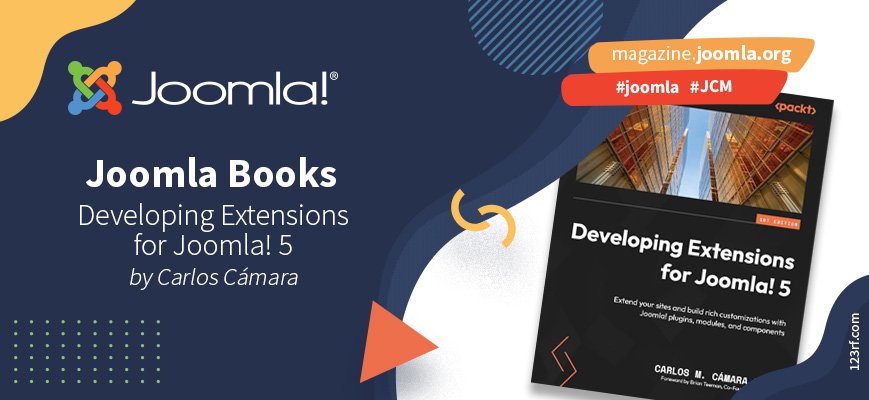
Book Review - Developing Extensions for Joomla! 5 by Carlos M. Cámara Mora
I became aware of the changes in extension development in Joomla when I started looking at migrating websites from Joomla 3 to Joomla 4. A sticking point for me was that some extensions hadn't been made Joomla 4 compatible. Some took a long time to be updated and some didn’t ever work in Joomla 4. It was a big jump and reading this book I can now see much more of what that was about.
Read more …
Everything Under One Roof
My goal, Using Joomla 5, was to create one website with 4 distinct branded areas while utilising the same core styles and settings.
Read more …
Explore the Core - Smart Search and Search results settings
Search is such an important part of a website especially when there is a large amount of content. It helps improve engagement, or dwell-time as it’s sometimes known. Most of all it makes the site user-friendly as it helps visitors find what they’re looking for.
Read more …
Explore the Core: showing tagged items
Joomla provides us with two Tags modules by default. These are Tags - Similar and Tags - Popular. Let’s take a look and see what these modules can do for us.
Read more …
Explore The Core: Articles Related
Wouldn't it be great if you could show related articles below or next to the article your visitor is reading? Joomla has an easy to use feature for that, built into the core. It's a module called Articles Related, and it's really easy to use.
Read more …
Explore the Core: Native SEO Options
It’s often said that Content Management Systems other than Joomla are best for SEO. What’s not said so often is that it’s only true if that CMS has plugins installed to manage its SEO. Joomla comes with SEO tools out-of-the-box, so you’re already one step ahead.
Read more …
Explore The Core: Newsflash Module
“The Article Newsflash Module will display a fixed number of Articles from a specific Category or a set of Categories.”
Newsflash? Sounds dramatic doesn’t it? It suggests breaking news that is so important that it interrupts everything else. And maybe you have news that your website visitors really have to see over any other content. Lucky then that this is a module, and we can place modules almost anywhere in Joomla.
Read more …
Migrating to Joomla 4 is easier than you think
If you’re still using Joomla 3 you’ll no doubt have seen the message that: “Support for Joomla 3.10 ends on 17th August 2023” I was last in this situation with Joomla 2.5.28 and at the time I carefully documented my experience as it took a number of goes to update and included several quirks, such as turning off the “Remember Me” plugin and then copying library files once the update had been done. For me this was a painful process.
Read more …
Joomla Explore The Core: Using Tags
You probably know how to organise your content with categories. But what if you want to be able to show content from multiple categories, based on something they have in common? That’s where tags can be useful. And the good part is: you can use this right out of the box, because it comes with the Joomla core.
Read more …