It’s been a few months now since Joomla 4 came out, and all over the world people are building websites with it. As you may know, Joomla 4 has a number of great new features. In this issue of the Joomla Community Magazine long time Joomla user Chris Wilcox tells us about his favourite: the Media Manager, that enables content managers to edit images in the backend of their Joomla website.
Joomla 4 performs exceptionally well out of the gate on Google Lighthouse at Joomla Australia's Virtual User Group. Google Lighthouse is Google's open-source, automated tool that gives you feedback that you can use to improve the quality of web pages. You can run it against any web page, public or requiring authentication. It has audits for performance, accessibility, SEO and more.
Joomla is a beautifully matured CMS, and long term Joomlers might knowingly nod, when I say it was a bumpy ride at times. Have a look at this article 'Celebrating Joomla 4' to get an idea of the new features of Joomla 4.
If you are (relatively) new to Joomla, chances are your website uses a template compatible with Joomla 4 (or at least your template developer provides a fully J4 compatible version of the template). Then you are lucky and this article is of no concern for you. But what if your website has been running for years now, and you are considering a migration from Joomla 3 to Joomla 4?
Joomla 4 was released on August 17th. As a new major version, it brings its share of new features (you can have an overview of these novelties at joomla.org/4).
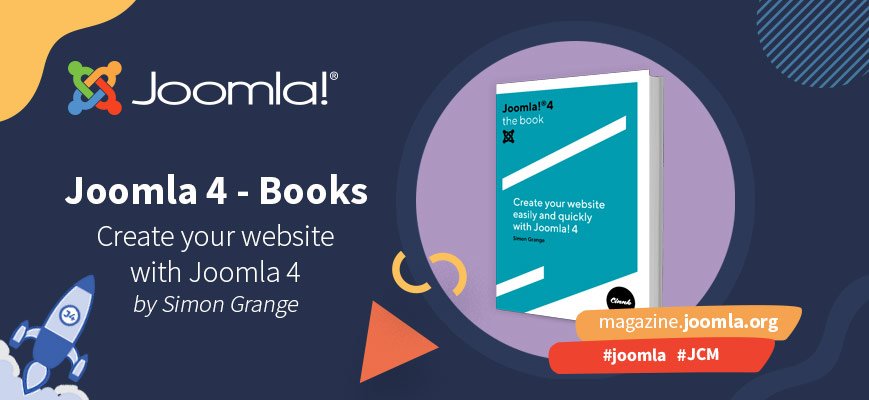
Simon Grange, CEO of Cinnk, well-known contributor in the French Community, wrote a book, available in French and English, to help newbies and usual users to learn how to use the new features and create a website using Joomla 4. Let's talk about this book with him.
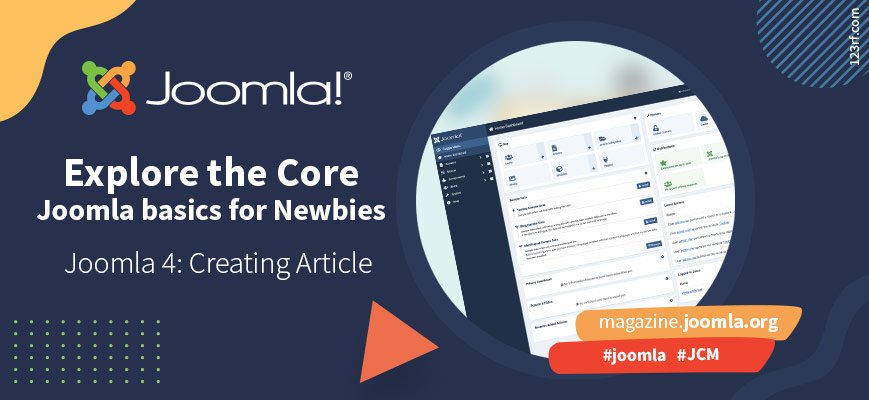
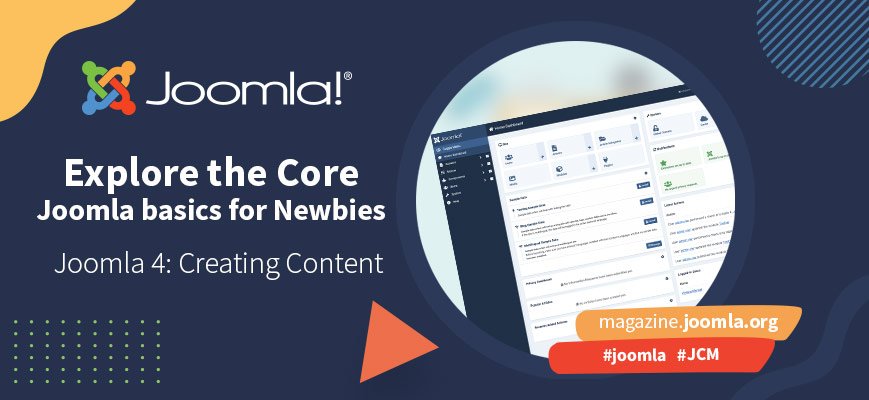
Once your Joomla website is installed, you’re ready to create your first content. Joomla has countless possibilities to make beautiful articles and a lot of ways to present your content. This is great if you know how to use them, but can be a bit overwhelming if you don’t. This article shows you how to add your first article and guides you through some of the possibilities you have.
Joomla 4 Stable is out, and of course, you want to migrate your site as soon as possible. But… wait… what about your extensions? If they’re not ready, they might cause your site to break (always make a backup, people). Of course we have Joomla 3.10 with the pre-update checker to establish if your extensions are ready, but the JCM goes a little further: we ask the developers. This issue we had a nice conversation with Alex Andreae from SourceCoast, the developers of the go-to tool for connecting your website to social networks: JFBConnect.
With Joomla 4 stable already released, many people are thinking about migrating their sites or starting new sites directly on Joomla 4. But, the question that arises is if all the extensions or templates are already available. To answer that question, we have been talking to the developers for several months now to find out what their update plans are. On this occasion, we talked to Sascha Dube, from YooTheme Pro, one of the major page builders we can find on the market today.
Guess what’s the most important on your website? A beautiful template? Wrong! Nice colours and barrier-free? Wrong! Good SEO URLs? Wrong again!
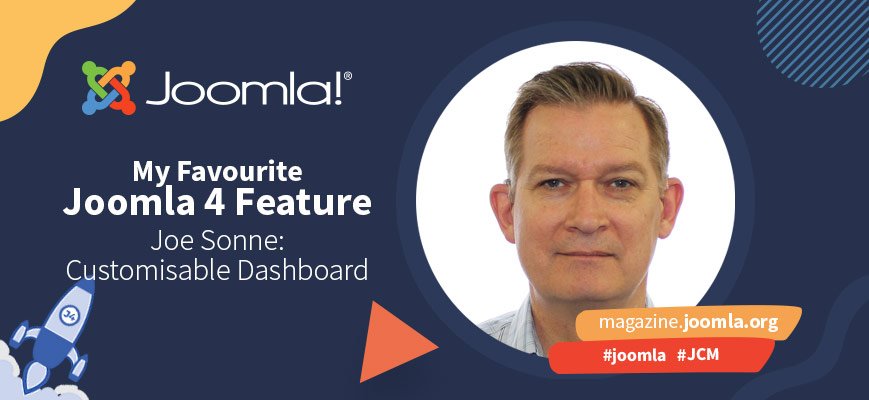
Joomla 4 comes with a couple of pretty neat new features, and at the Joomla Community Magazine we love to hear what you do with them. In this issue, Joe Sonne tells us how he customizes the administrator dashboard for his backend users. This is relatively easy; all you need is curiosity, creativity and a good idea of what your users need. And if you know a bit of CSS and HTML, you can knock yourself out creating the best user experience ever for your users.
By accepting you will be accessing a service provided by a third-party external to https://magazine.joomla.org/