Joomla 4 is here, and with it comes a completely revamped administration panel. We now have the ability to totally control our clients' editing experience, above and beyond what we could do with Joomla 3. In this post, we're going to cover setting up client editor profiles, creating a custom admin menu, and creating custom dashboard pages from scratch.
Everyone has his own preferences and needs - and Joomla takes care of them all.
In addition to all the measures taken in the core for providing an accessible authoring tool there are add-ons in Joomla that can make your life easier and make your users and customers feel more comfortable.
As we celebrate the launch of Joomla 4.1.0 and enjoy the new features and functionality that it has brought to Joomla there are a few who have been working away on the next iteration of this rejuvenated CMS.
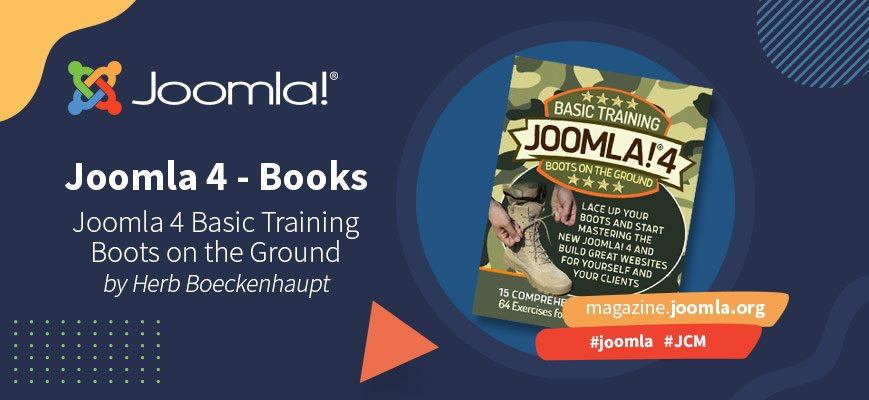
We sit down with Herb Boeckenhaupt, Sharon Lee Hall, Brandon Batie and Philip Cave, the creators of a new Joomla book called Joomla 4 BASIC TRAINING: Boots on the Ground. We talk about the book, plans for additional books, and writing in general.
During December 2021, Host.it, a major hosting service provider in Italy, published its new website made in Joomla 4. Let’s dig more into their “adventure with Joomla 4” talking with their CEO, Marco Mangione.
Yes, we all love the Joomla core and all the possibilities that come with it. But for Søren Beck Jensen, the beauty of Joomla lies in the extendibility. Joomla follows a predictable development pattern, which makes it very suitable for complex projects that need custom (extensions) development. In this issue, Søren tells us how every core feature and functionality can be extended, and along the way provides us with some useful tips on how to do it.
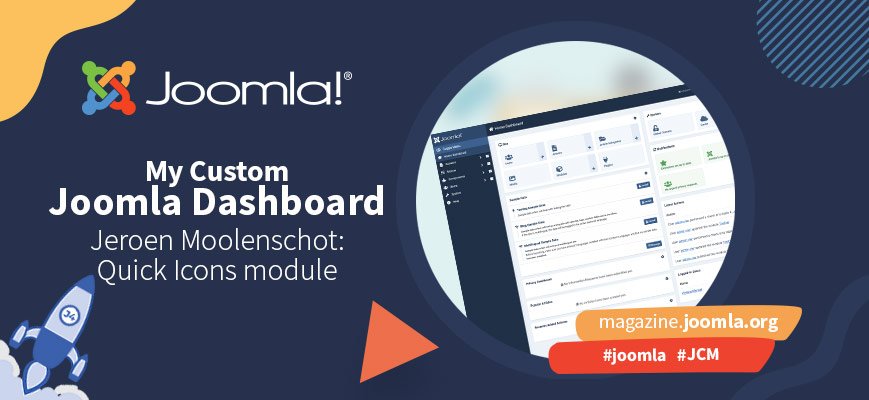
As we all know or experienced first-hand, the Joomla 4 Dashboard can be pretty overwhelming if you’ve never seen it before. The good news is: it doesn’t have to be. The Dashboard is very customisable, and more and more website designers decide to create beautiful and easy to use custom Dashboards for their clients (or for themselves). Jeroen Moolenschot, for instance, made a custom Dashboard module to add quick icons for much-used functionalities… and decided to share it with the whole Joomla community.
The Joomla 4 Dashboard has a lot of options. Which is great, except when you see it for the first time. For people new to Joomla, it can be confusing to see all the things you can do. Where should you click to create new content? To upload an image? To do other things? If you build a website for people not used to working in the Joomla backend, you can make it a lot easier for them by customizing the Dashboard.
I managed to meet Ryan Demmer at the virtual water cooler on a cold morning in early December, and quickly asked him a few questions about his experiences migrating the very popular JCE Editor to Joomla 4. Read on, for valuable advice, from a very experienced Joomla extension developer.
Open any website - where do you look first? In most cases you will first see a beautiful photo or graphic and with the next glance you will look for a menu with links to more pages.
By accepting you will be accessing a service provided by a third-party external to https://magazine.joomla.org/